Is HappyMod safe?
Plain talk about the HappyMod APK installer: what you can check (version, package name, permissions), what nobody can promise (every mod inside, forever availability), and how to spot lookalikes.
Quick facts
- Website
- happy-modz.com
- App
- HappyMod
- Version
- V3.4.0
- Package name
com.happymod.apk- Platform
- Android
- File type
- .apk
- Min Android
- 5.0+
- Not affiliated with
- Google Play / fake mirrors / “official” claims
Mods later
Each mod is a separate choice and risk
Installer layer
This guide covers the HappyMod APK only
Lookalike pages
Vague “latest” claims, no package or size
Check the file
Version · .apk · package name
What “safe” means on this guide
We talk about the HappyMod installer file — not a blanket promise that every modified app inside HappyMod is harmless.
Practical checks: .apk ending, version V3.4.0 (or Extra when that is what you want), package com.happymod.apk, a size that matches the file table on the home page, and permissions that match what a mod browser actually needs.
We will not claim “virus free,” “only official,” or “guaranteed safe.” Apps from outside Play always carry some leftover risk, and we would rather say that plainly than sell you a marketing line.
Is this the official or original HappyMod site?
No — this is an independent install guide, written by MDA, not the HappyMod development team, and not Google or Mojang. We describe how to download and install the HappyMod APK; we do not run HappyMod itself.
The real HappyMod app is not distributed through Google Play the same way most apps are, so “official” claims are easy for anyone to make and hard for you to verify from a headline alone. Treat “100% official,” “only real HappyMod,” or “original site” banners as marketing, not proof — the file details in our download-specs table and this page’s checks are what actually verify a copy.
Being independent also means we have no reason to inflate safety claims to sell you something — our goal is a clear installer file and honest limits, not a competing “official” brand.
“Works” ratings are not malware scans
Community “works” scores usually mean “people got it to open,” not that antivirus tools cleared the file.
Treat those scores as noise. Trust clearer signals: where the file came from, the package name, and the permissions it asks for.
Play Protect warnings
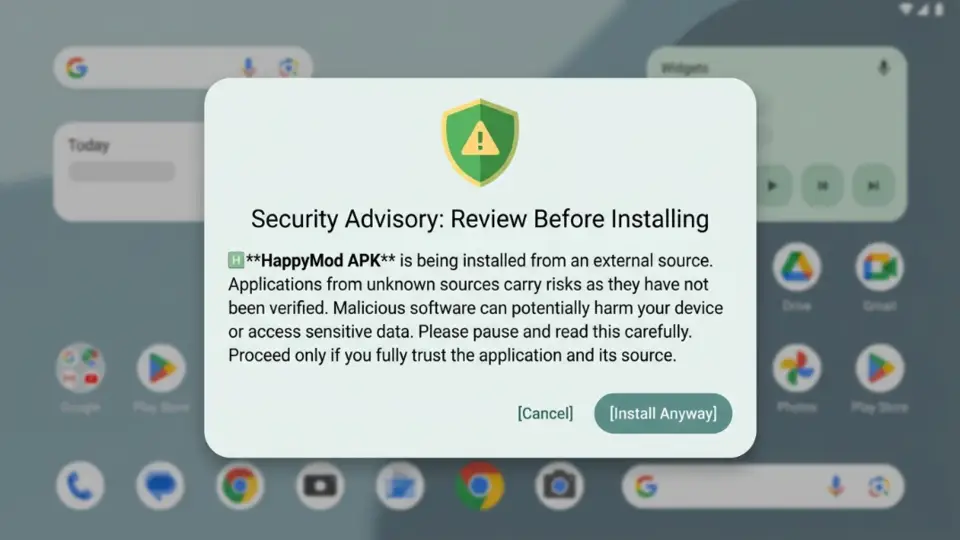
Play Protect often warns about apps installed outside the Play Store. A warning means pause and read — not tap through on habit.
There are two different moments this can happen: a warning during install (before the app is even on your phone), and an ongoing scan warning after HappyMod is already installed. Both are common for any sideloaded app, not unique to HappyMod, and neither one is a guaranteed verdict either way.
If you do not know where the file came from, stop. If you already matched the HappyMod APK details on this site, you may still see a generic warning. That warning does not make the file risk-free, and it does not mean the file is malware either — read it and decide with the file details in hand.
Install help: when install fails.
Permissions after install
On first open, HappyMod typically asks for storage or media access (to save and install APK files) and notification permission. That is roughly the ceiling of what a mod-browsing app legitimately needs.
Be cautious of any build that asks for contacts, SMS, call logs, accessibility services, or device-admin access — those are far beyond what browsing and installing apps requires, and are common asks from repackaged, unofficial copies rather than the app itself.
You can review or revoke permissions any time under Settings → Apps → HappyMod → Permissions. If a request feels unrelated to “browse and install apps,” deny it and see if the app still works. More on install-time checks: after you install.
Lookalikes and fake download sites
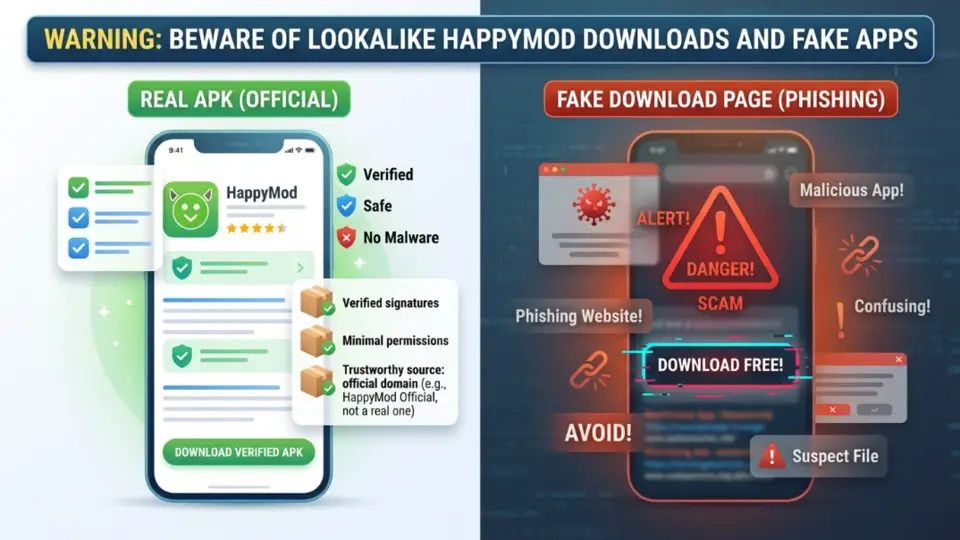
Search mixes the real installer topic with Play apps that reuse similar names, copycat sites, and single-game mod pages.
Warning signs: no version or package table, countdown traps, “fully safe forever” banners, or pages that only push unlimited gems for one game.
A specific pattern worth flagging: pages that rebrand a generic cloud-storage link (a plain file host or drive-style redirect) as “HappyMod Cloud” or a “web installer.” These usually skip the version/package table entirely and change their link chain often — treat the absence of clear file details as the real signal, regardless of what the page calls itself.
Compare any file with the lookalike table on the home page. We describe risks in plain language and do not send you to rival download hubs.
| Check | Good sign | Bad sign |
|---|---|---|
| Package | Good sign Matches com.happymod.apk | Bad sign Missing or random package id |
| Version | Good sign Shows V3.4.0 or Extra clearly | Bad sign Says “latest” with no number |
| File type | Good sign Clear .apk | Bad sign Odd wrappers, forced extra downloads, or a chain of cloud-storage redirects |
| Claims | Good sign Honest notes about third-party risk | Bad sign Fake “fully safe forever” or “100% official” marketing |
Old versions are riskier
This guide sticks to the current build we list (V3.4.0). We are not an archive of old APKs, and we treat “old version” requests as a risk question, not a feature request.
Older builds may miss fixes, lose compatibility with newer Android versions, and circulate on weaker, less-checked sources over time. If you still chase an old file elsewhere, verify it yourself with the same checks on this page — we will not host a version museum.
Does HappyMod still work?
Yes, as a concept — it is still a working third-party installer, not an abandoned or shut-down app. What can change over time is which specific mirror or link is current, since this is a community-shared installer rather than a Play Store listing with one guaranteed source.
Our part of that: we keep the file table on the home page pointed at the current build (V3.4.0, August 2026) and update it when that changes, instead of leaving a stale link online indefinitely.
If HappyMod itself opens but a specific mod inside it fails, that is usually a problem with that one listing (or the app it modifies changing), not with the installer file you downloaded from here.
Rules and grey areas
Modified apps can break a developer’s terms, and local rules may apply. This page is practical install help, not legal advice.
Using HappyMod does not make every listing inside it okay to share or use.
Account ban risk
Online games and services may ban accounts for modified clients. That risk is separate from whether the HappyMod installer itself installs cleanly.
Installing the HappyMod APK itself does not put your Google account at risk the way it might a specific game account — the practical exposure is inside whatever mod you install afterward, and only for that mod’s service.
Keep experiments off the account with your purchases, rank, or recovery email.