What is HappyMod APK?

HappyMod installer
APK file · com.happymod.apk
Not Google Play
Sideload path, not a Play listing
HappyMod is a third-party Android app that lets people browse modified versions of other apps and games that other users have shared. This page is about the HappyMod installer file — how to download and install it — not a directory of every game mod inside it.
We cover build V3.4.0 with package com.happymod.apk. This is an independent install guide written by MDA — we are not the HappyMod developers, not Google, and this is not an “official” HappyMod website. The real HappyMod app is not distributed through Google Play the normal way, which is exactly why a clear file table matters more than a shiny “official” badge.
How it actually works: you install this one APK, open the app, then browse and install listings from inside it — each of those is a separate install decision with its own risk. Keeping this installer file clean is not the same as trusting every mod you open later. A “works” score is also not a virus check. Read Is HappyMod safe?. For iPhone, PC, and Chromebook, jump to platform notes.
Key facts
HappyMod is a third-party Android app people use to browse and install community-made modified apps. This site is an independent guide for downloading and installing the HappyMod APK only. We are not linked to Google, Mojang, or the HappyMod developers. The real HappyMod store is not on Google Play.
Quick facts
- Website
- happy-modz.com
- App
- HappyMod
- Version
- V3.4.0
- Package name
com.happymod.apk- Platform
- Android
- File type
- .apk
- Min Android
- 5.0+
- Not affiliated with
- Google Play / fake mirrors / “official” claims
What HappyMod does — and how it works
This is about the HappyMod app itself, not a catalog of every mod inside it. Once it is installed, everything below happens inside the app, not on this website.
Browse modified apps
Install APK files from inside the app
Search inside the app
Browse modified apps
You can look through listings other people upload — tweaked versions of existing apps and games. It is not a stand-in for Google Play and it has no catalog of its own beyond what users share.
Install APK files from inside the app
Pick a listing and HappyMod hands off to Android’s normal install screens — the same “allow this source” and “install” prompts you use for this page. Check the name and permissions before you confirm.
Search inside the app
Search makes popular titles easier to find inside HappyMod’s own listings. Showing up in search does not mean a file is safe, and it is not a web search engine.
File details before you download
| File name (standard) | HappyMod-Download-3-4-0.apk |
|---|---|
| File name (Extra) | happymod-extra-1-0-4.apk |
| Version | V3.4.0 |
| Package name | com.happymod.apk |
| Works on | Android |
| File type | .apk |
| Needs Android | 5.0+ |
| Size (standard) | 20 MB |
| Size (Extra) | 17.8 MB |
| Extra version | 1.0.4 |
| Quick check | Match the name, .apk ending, version, and size with this table. A big “official” headline is not enough on its own — see our pre-download checklist. |
| Last updated | August 2026 |
HappyMod Extra vs standard vs “Pro”
Most people should start with standard. Extra is a second build we track separately — not a random backup copy and not a Google upgrade tier. Results for HappyMod Pro in search are almost always ads, mirror titles, or search labels, not a third download we list here.
Standard HappyMod APK
V3.4.0
com.happymod.apkHappyMod Extra
Extra
Standard HappyMod APK
The standard HappyMod APK (V3.4.0) is the usual installer most people want — it opens HappyMod so you can browse modified apps from inside the app. Use Download HappyMod APK below.
HappyMod Extra
HappyMod Extra (1.0.4) is a second build tied to HappyMod. It is not a Google “Pro” upgrade and it is not safer just because of the name. Search results for HappyMod Pro are usually ads or mirrors, not a third product here. Both builds use package com.happymod.apk, so installing both without care can replace each other. Start with standard unless you know you need Extra.
| What you're checking | Standard HappyMod APK | HappyMod Extra | “HappyMod Pro” (search result) |
|---|---|---|---|
| File name | Standard HappyMod APK HappyMod-Download-3-4-0.apk | HappyMod Extra happymod-extra-1-0-4.apk | “HappyMod Pro” (search result) No fixed file — varies by site |
| Version | Standard HappyMod APK V3.4.0 | HappyMod Extra 1.0.4 | “HappyMod Pro” (search result) Rarely shows a real version number |
| Approx. size | Standard HappyMod APK 20 MB | HappyMod Extra 17.8 MB | “HappyMod Pro” (search result) Not consistent — often unlisted |
| Package name | Standard HappyMod APK com.happymod.apk | HappyMod Extra com.happymod.apk | “HappyMod Pro” (search result) Often missing from the page entirely |
| What it is | Standard HappyMod APK The usual starting point for most people | HappyMod Extra A second HappyMod-related build, listed here for people who specifically want it | “HappyMod Pro” (search result) Almost always a search label or mirror title, not a separate product |
| Where we list it | Standard HappyMod APK This page only | HappyMod Extra This page only | “HappyMod Pro” (search result) We do not list a “Pro” download — treat pages that sell one as a red flag |
Pre-download checklist
- Confirm the package name reads
com.happymod.apkbefore you tap install. - Match the version (V3.4.0 standard, or 1.0.4 for Extra) with what the page shows.
- Check the file ends in .apk — not .apkx, .zip, or a chain of redirects.
- Compare the size (about 20 MB standard, 17.8 MB Extra) with what actually downloads.
- Skip any page that only says “latest” or “100% official” with no version, package, or size details.
- Pick one build — standard or Extra — instead of installing both at random.
Download HappyMod
Pick standard or Extra after reading the difference above. These links are for the Android installer only — we do not keep a pile of old versions.
HappyMod APK
The standard HappyMod APK (V3.4.0) is the usual installer most people want — it opens HappyMod so you can browse modified apps from inside the app.
HappyMod Extra
HappyMod Extra (1.0.4) is a second build tied to HappyMod. It is not a Google “Pro” upgrade and it is not safer just because of the name. Search results for HappyMod Pro are usually ads or mirrors, not a third product here. Both builds use package com.happymod.apk, so installing both without care can replace each other. Start with standard unless you know you need Extra.
How to install on Android
After you download HappyMod APK above, follow these steps. Menus for “install unknown apps” look different on Samsung, Xiaomi, Pixel, and Huawei, but the idea is the same everywhere.
Open the APK file
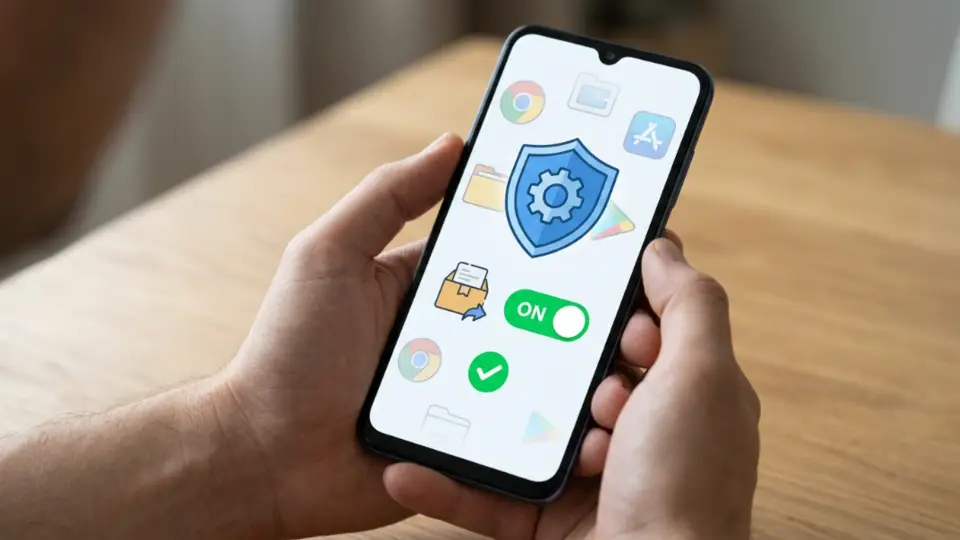
Allow install from this source only
Confirm install
Open HappyMod and check the package
Turn unknown sources off
- Check that your phone meets the Android version in the table.
- Free up storage so the download can finish cleanly.
- Plan to turn unknown sources off again after install.
-
Open the APK file
Open it from Downloads and confirm it ends in .apk (standard V3.4.0 or Extra 1.0.4).
-
Allow install from this source only
Allow your browser or Files app just for this install — not every app forever. Brand-by-brand tips: install guide.
-
Confirm install
Tap Install and wait. If Android says the app conflicts with an older copy, uninstall the old one and try again with a single file.
-
Open HappyMod and check the package
Open the app and only allow permissions you need. If you can view app info, look for
com.happymod.apk. -
Turn unknown sources off
Go back to the same setting and switch it off. Full walkthrough: how to install HappyMod.
After you install
- Open HappyMod once and only allow permissions it actually needs — storage/media access and notifications are typical. Skip anything that feels unrelated to browsing and installing apps.
- If your phone’s app info screen is available, double-check the package still reads
com.happymod.apk. - To update later, come back to this page for the current file and install it over the existing app — HappyMod has no in-app "check for updates" like a Play Store app. See how to update.
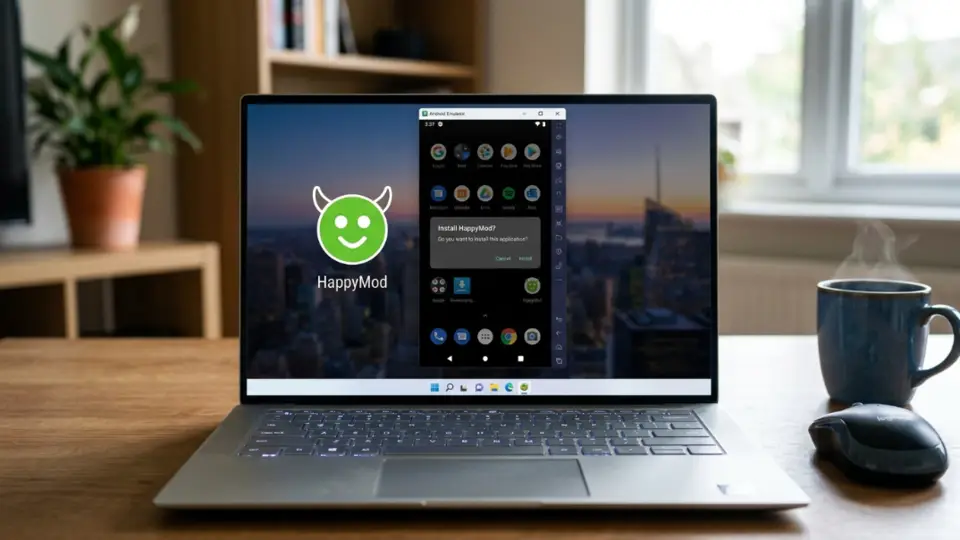
- On a PC or Mac, the same install flow runs inside an Android emulator instead of directly on the system — see BlueStacks and emulator steps.
Install blocked or Play Protect warning? Read the message — stop if the download looks shady. App crashes, install fails, or downloads inside HappyMod fail after open? See install and in-app fixes.
Safety basics
People ask if HappyMod is a virus. The name alone does not answer that. The installer file and the mods you install later are different risks. A high “works” score only means people got something to open — not that it was scanned for malware.
Skip sites that skip basics like version, package com.happymod.apk, and file type. “HappyMod Pro” in search is usually a label, not a safer product. If Play Protect warns you, read why — it is common for anything installed outside Play, not proof the file is bad.
After install, only grant the permissions the app actually asks for, and do not test mods on the game account you care about most — bans are a separate risk. More detail, including permissions and account risk: Is HappyMod safe?.
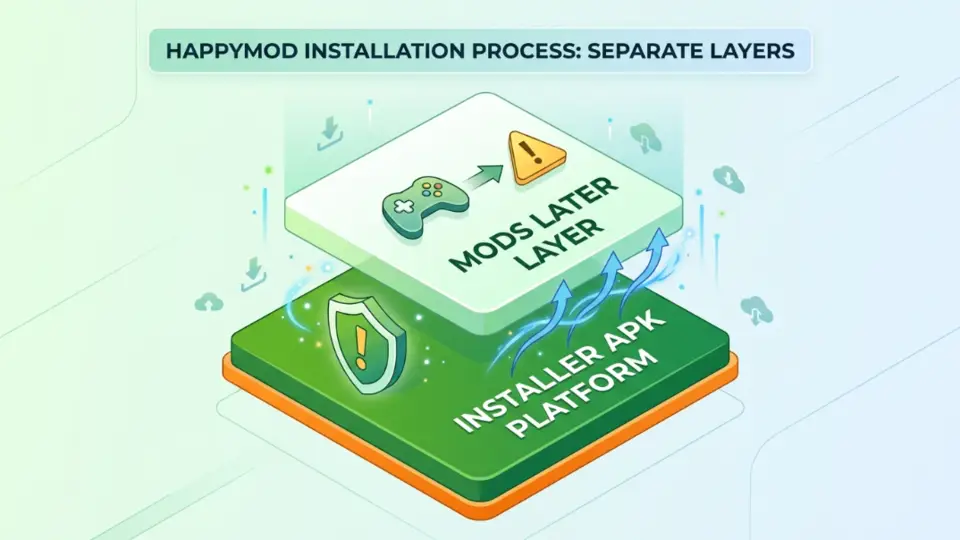
Mods later
Each mod is a separate choice and risk
Installer layer
This guide covers the HappyMod APK only
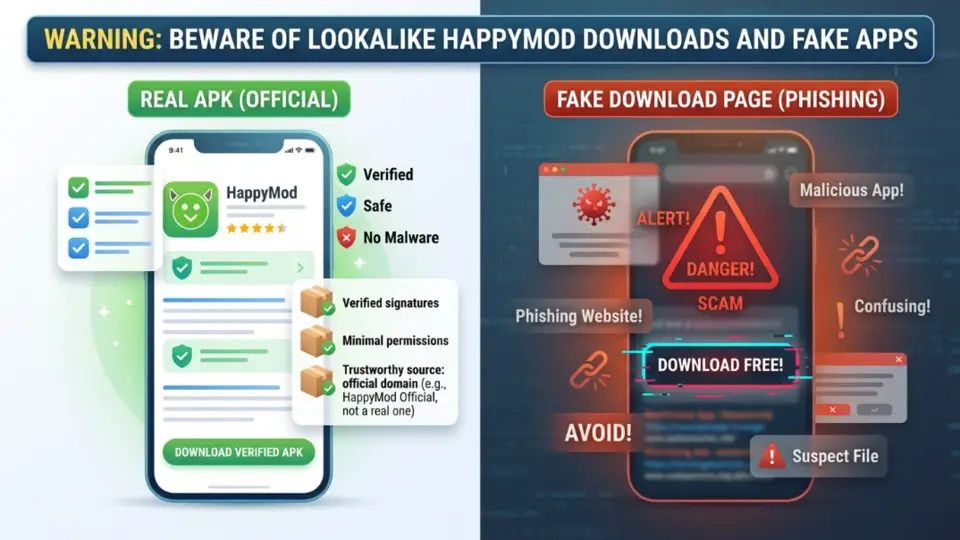
Lookalike pages
Vague “latest” claims, no package or size
Check the file
Version · .apk · package name
What this installer is not
Before you install something that “looks like HappyMod,” compare it with this table. This also covers generic cloud-hosted “mirror” sites that rebrand a plain file link as an installer of their own.
| Name | Publisher | Where it shows up | Notes | This guide’s file? |
|---|---|---|---|---|
| HappyMod APK (this guide) | Publisher This independent guide | Where it shows up This page | Notes File covered here: V3.4.0 · com.happymod.apk · .apk with a clear size. | This guide’s file? Yes |
| Lookalike Play Store apps | Publisher Other publishers | Where it shows up Google Play | Notes Searching “HappyMod” on Play often shows different apps with similar names — not the HappyMod APK installer this guide covers. | This guide’s file? No |
| Fake download sites / game-mod pages | Publisher Copycat sites | Where it shows up Web | Notes Pages that only push one game mod or shout “official” without clear file details are outside this guide. We do not run a game-by-game mod list. | This guide’s file? No |
| Native iPhone HappyMod store | Publisher Not available that way | Where it shows up Apple App Store | Notes There is no real HappyMod store on iPhone like the Android APK. Be careful with “HappyMod for iPhone” download claims — see platform notes on the home page. | This guide’s file? No |
| “HappyMod Cloud” style mirrors | Publisher Unknown / generic cloud hosts | Where it shows up Cloud storage & redirect links | Notes Some pages rename a generic cloud-storage or drive link into a “HappyMod Cloud” or “web installer” brand. No version table, no package name, and the link chain changes often — a sign to leave. | This guide’s file? No |
Still unsure? Check the FAQ or email happymodzy@gmail.com.
iPhone, PC, and Chromebook
HappyMod APK is built for Android. Other devices have real limits — we keep them on this page instead of spinning up extra thin pages for each one.
Android
Phone or tablet — main path
iPhone / iPad
No native APK install
Windows / Mac
Only inside an Android emulator
| Device | Can you use it? | Notes |
|---|---|---|
| Android phone / tablet | Can you use it? Yes — main path | Notes Download the .apk (V3.4.0), allow install for that source, then install. See the install guide. |
| Windows / Mac (native) | Can you use it? No native program | Notes HappyMod is not a normal desktop .exe or .dmg app. There is no direct Windows or Mac install. |
| PC / Mac via Android emulator (e.g. BlueStacks) | Can you use it? Yes, indirectly | Notes Install an Android emulator first, then install the same HappyMod APK inside it, the same way you would on a phone. Steps: emulator install guide. |
| Chromebook | Can you use it? Only if Android apps work | Notes If your Chromebook can run Android apps, you may install HappyMod APK there after allowing the source. If not, an emulator is not usually practical on Chromebook — treat it as unsupported. |
| iPhone / iPad | Can you use it? No native HappyMod store | Notes There is no real HappyMod app on iPhone the way Android uses an APK — iOS does not run .apk files. Be careful with “IPA / App Store HappyMod” or “HappyMod for iPhone” download claims; they skip that basic platform limit. |
Need install help? Go to how to install, including the emulator path. Safety and lookalikes: Is HappyMod safe?.
What this site is not
Android users who want a clear HappyMod APK download and want to avoid fake sites — without promises of a native iPhone app, a bypass for Family Link or work devices, or a giant game-mod catalog.
- Not the official HappyMod company website — we are an independent guide, written by MDA, not the HappyMod team.
- Not a replacement for Google Play, and not a museum of old APK builds or every game mod.
- Not a HappyMod Pro download page — Pro in search is usually just a label; we list standard and Extra only.
- Not a native iPhone app or a ready-made PC program — see the platform table above.
- Not a way around Family Link, school, or work-device restrictions on installing apps.
- Not a promise that every file inside HappyMod is safe, or that your account is ban-proof.
FAQ
Is HappyMod a virus?
com.happymod.apk and read Is HappyMod safe?.Is this the official HappyMod website?
Does “works” mean it is safe?
Is HappyMod legal?
Extra or standard?
What is HappyMod Pro?
com.happymod.apk — more in the FAQ.